Nova Cast+

One Cast button.
Three protocols.

Casting fails for a boring reason: your TV cannot decode one of the tracks in the file. Nova asks the device what it actually supports, compares that against your media, and fixes only the part that is broken.

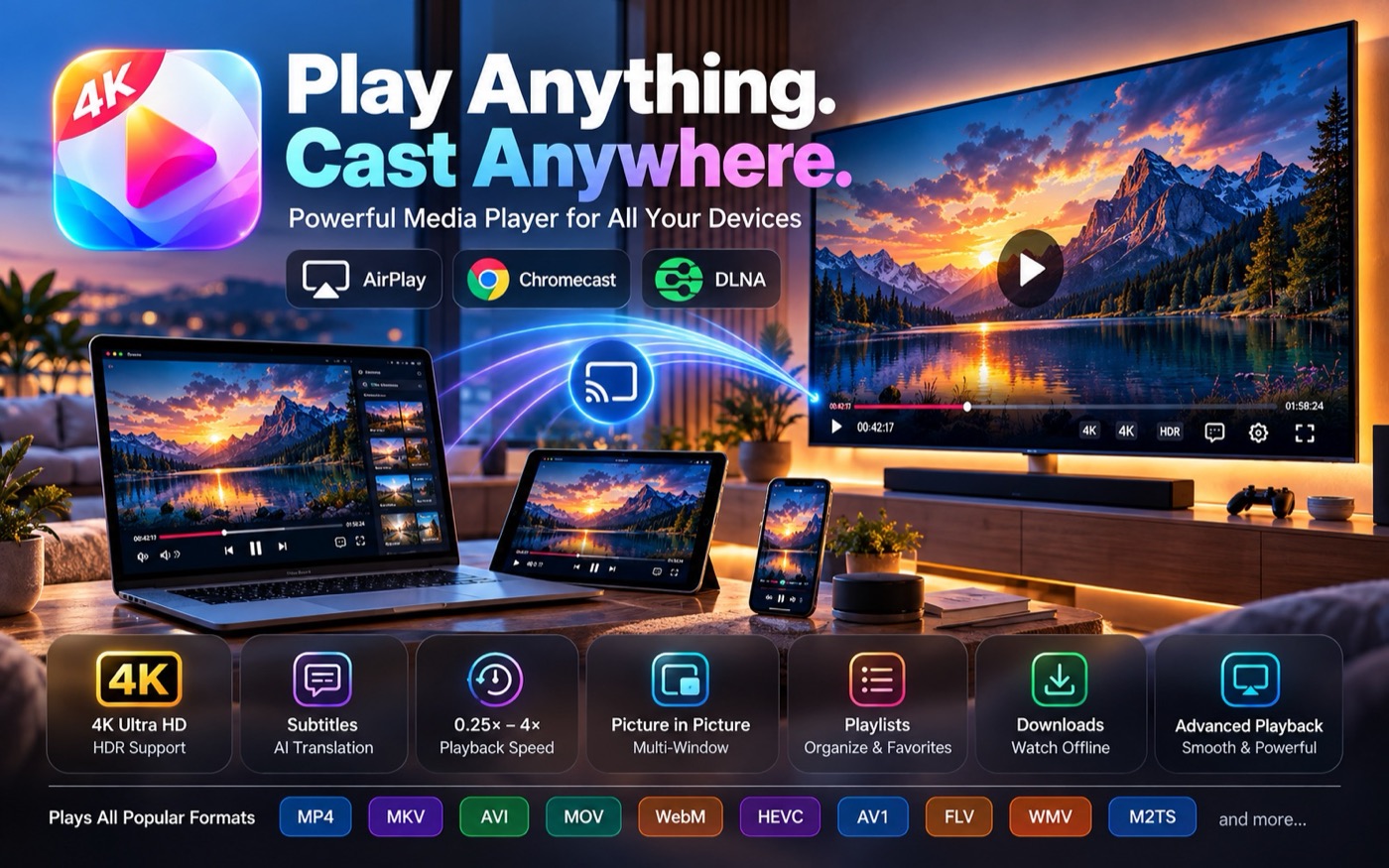
Nova Player casting a 4K video from a Mac to a television over AirPlay, Chromecast and DLNA.

Three protocols, discovered automatically

Nova merges every provider into one sorted, de-duplicated device list. The Cast button only appears when there is actually something to cast to.

AirPlay

Apple TV, AirPlay-capable smart TVs and standalone AirPlay receivers. Nova embeds the system route picker, so connecting works exactly the way macOS expects it to.

  • Connect, disconnect and switch device
  • Play, pause and seek
  • Subtitles delivered as WebVTT alongside the stream

Chromecast & Google Cast

Chromecast dongles, Google TV, Android TV boxes and Cast-enabled televisions, discovered over mDNS and controlled directly — no Google SDK required.

  • Connect, disconnect, play, pause and seek
  • Volume control from Nova
  • Position kept in sync with the local timeline

DLNA / UPnP

Smart TVs, media renderers and network players found through standard SSDP discovery. Nova reads each renderer's own capability list rather than guessing from the brand name.

  • No hard-coded, per-manufacturer code paths
  • Features the renderer lacks are simply hidden
  • Seeking and volume where the device supports them

The compatibility engine

Nova always prefers the cheapest route that will play. Re-encoding video is the last resort, not the default, because it costs battery and quality.

PREFERENCE 1

Direct Play

Container, video codec, audio codec, resolution and HDR are all supported. Nova serves the file's bytes as they are, with byte-range support so seeking stays instant.

Status shown: “Playing directly”. CPU cost: none.

PREFERENCE 2

Direct Stream — remux

The codecs are fine but the container is not; an MKV going to a TV that only accepts MP4, for example. Nova repackages the existing streams without touching them.

Near-zero CPU. Nothing is re-encoded, so quality is identical.

PREFERENCE 3

Audio-only transcode

The classic case: the TV handles the HEVC video happily but has no idea what DTS or TrueHD is. Nova converts just the audio to AAC and copies the video through untouched.

Cheap, and the picture is still bit-for-bit original.

LAST RESORT

Full transcode

The video codec, resolution or HDR format is genuinely unsupported. Nova re-encodes using the hardware encoder on your Mac and tone-maps HDR to SDR when the display cannot show it.

Status shown: “Optimising for your TV…”

Worked example

An awkward file meeting an ordinary TV

Your file

  • MKV container
  • HEVC video
  • DTS audio
  • ASS subtitles

Your TV

  • MP4 only
  • HEVC supported
  • DTS not supported
  • ASS not supported

Nova's plan

  • Video → direct play, copied
  • Audio → DTS converted to AAC
  • Subtitles → converted or burned in
  • Container → remuxed to MP4

What you see is two words: Optimising for your TV… then Ready ✓. If you want the reasoning, “More details” explains exactly which track forced which decision and why.


Security

The sharing server that closes behind you

Chromecasts and DLNA renderers cannot read your hard disk; they pull media over HTTP. So Nova runs a small server — and treats it as the security boundary it is.

  • Off by default. It starts when a cast session starts and stops when the last one ends
  • One interface only. Bound to the LAN address on your TV's subnet and a random high port, never to every interface
  • Unguessable URLs. Each session gets a 128-bit random token; every other path returns 404
  • No directory listing and no file paths exposed in URLs
  • Allow-list. Only the device you are casting to may fetch; anything else gets 403
  • Expiry. Tokens die at session end or after an idle timeout
  • Range requests and large-file support, so seeking a 40 GB remux is still responsive

Nova never serves anything you did not explicitly choose to cast.

Put it on the big screen

Nova Cast+ is part of Nova Video Player. No separate app, no second purchase.